
GearDraft
Starting from few design parameters it defines the best transmission layout and it generates automatically the CAD/FEM model.
S.01 · SaaS platform
A cloud platform built on patented numerical methods: from requirement to validated design, with sizing, rating to standards and dynamics computed during design. It plugs into your existing CAD / CAE workflows.
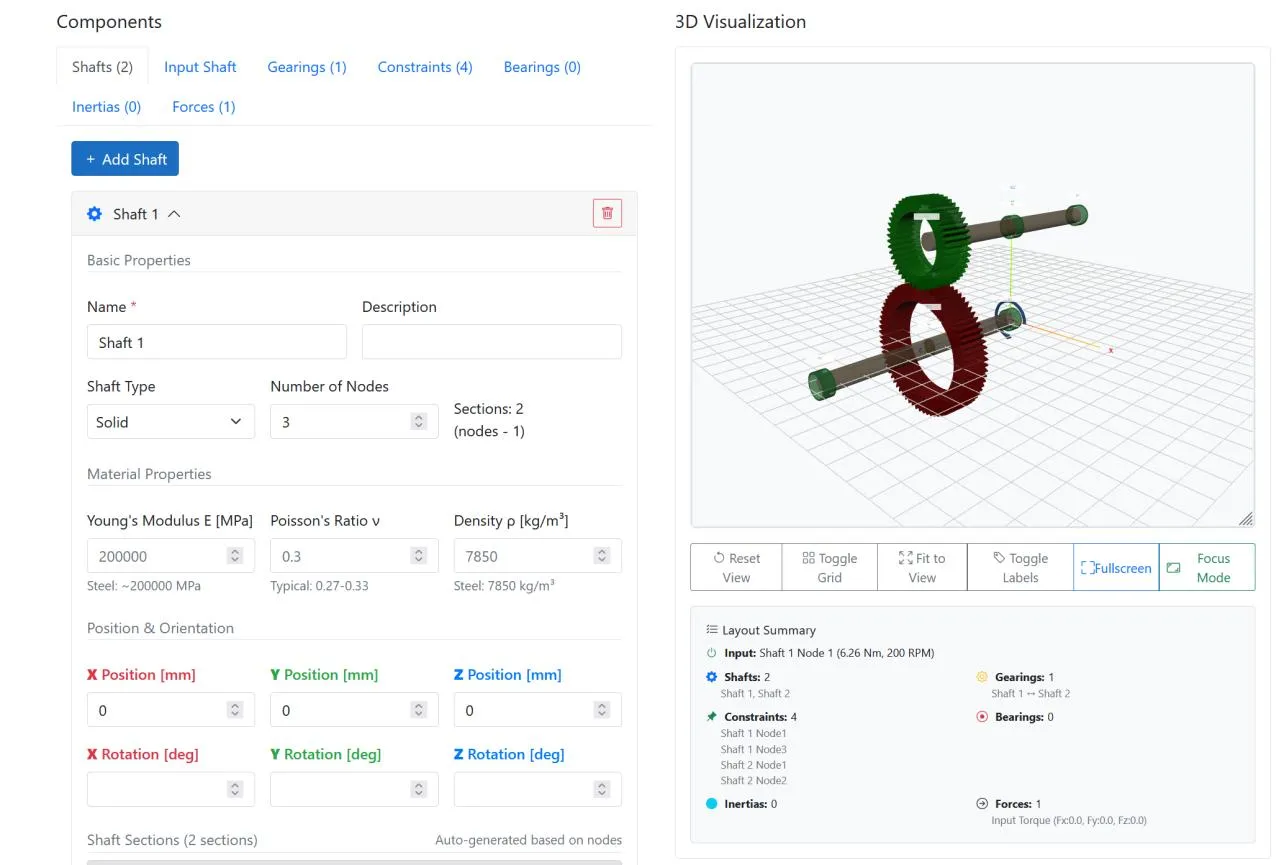
Sign up on app.gedytrass.com and start from a few design parameters: shafts, gears, bearings and loads in one model, with a live 3D view of the layout. No installation, no yearly licence to start.
Hundreds of transmission configurations computed in a few minutes.
Rating to ISO 6336 (cylindrical gears) and ISO 10300 (bevel gears).
Optimal layout, tooth profile and micro-geometry, also with custom cutting tools, within manufacturability constraints.
Transmission error, dynamic tooth forces and durability in hours, before the prototype.
| Method | Reduced-order tooth model and Craig-Bampton modal synthesis |
|---|---|
| Model | Flexible gears, shafts, bearings and housing; nonlinear contact |
| Dynamic output | Transmission error, dynamic tooth forces, loaded contact ratio, contact pressure |
| Performance | 3 million time steps in 4 hours, pre-processing included |
| Scalability | Complexity does not grow with gear size, so it also suits wind turbines |
| Integration | Works without a CAD model too; export to existing CAD / CAE workflows |
| Intellectual property | Patent application EP4016367 · exclusive licence of PoliTo patent IT201800001328 |
| Task | Today | With GeDy TrAss |
|---|---|---|
| Define or change the model | Hours | Minutes |
| Static calculation | Hours | Minutes |
| Dynamic analysis | Days | Hours |
| Design cycle | 8 weeks | 2 weeks |
For SMEs, design offices and freelancers: you pay per calculation, with no yearly licence.
For engineering departments with continuous use: prepaid credits, multiple users, support.
Private cloud or on-premise, CAD and PLM integration, confidential data kept in house.
We commercialize GeDy TrAss, our semi-analytical software for specific analysis on geared mechanical systems. The software is based on two main tools.
Starting from few design parameters it defines the best transmission layout and it generates automatically the CAD/FEM model.
Working on the tooth profile and micro-geometry it optimises contact, transmission error and dynamic behaviour, with virtual validation in statics and dynamics. The model is fully parametric, not tied to one geometry.
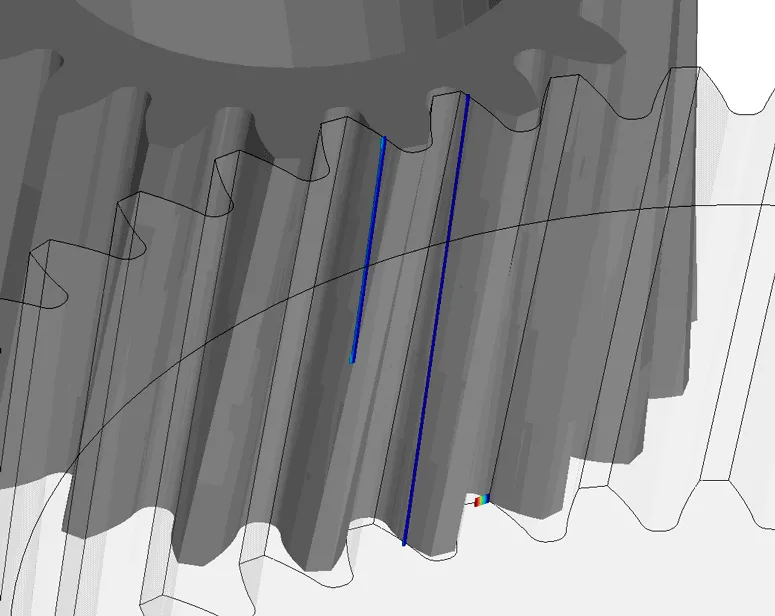
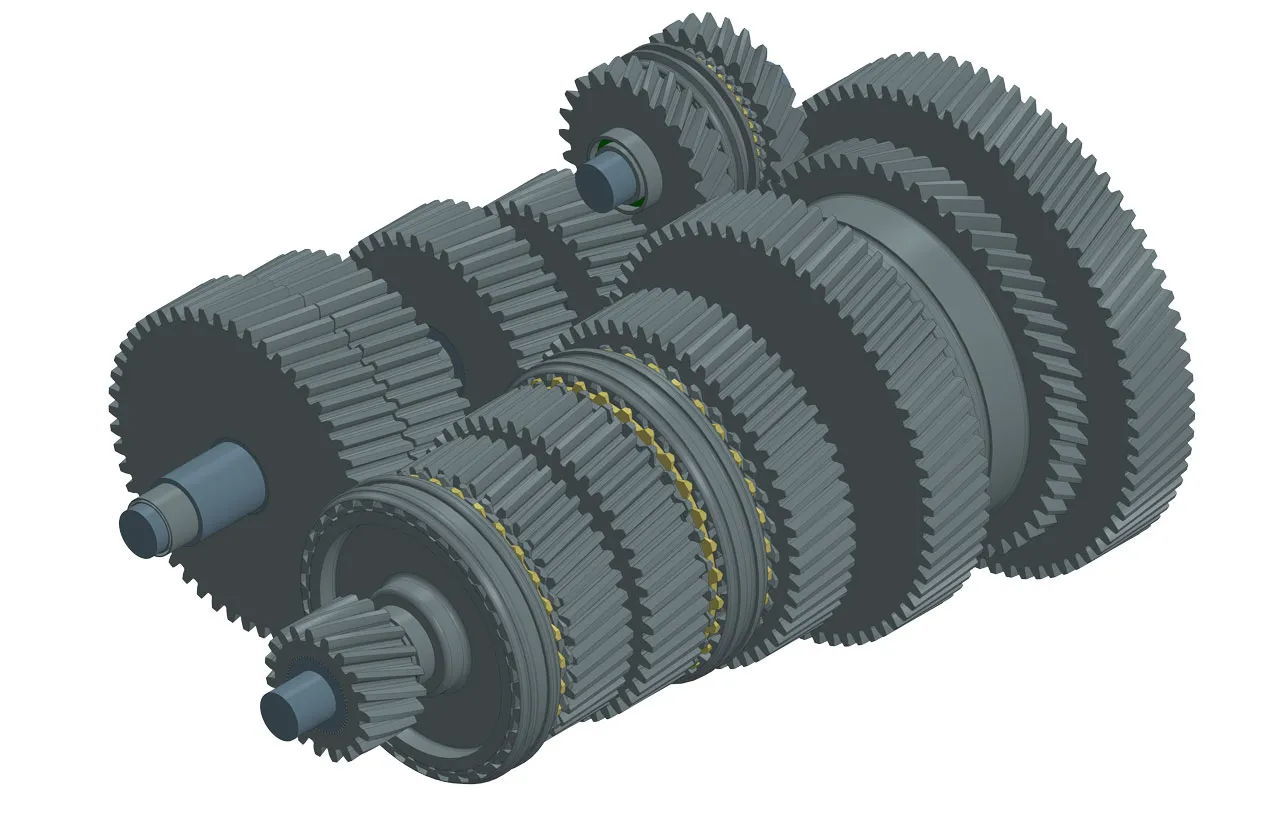
GearDraft is based on an algorithm that automatically generates a whole mechanical transmission by inserting a few input data in a short time. The algorithm chooses the components (bearings, shafts, synchronizers, gears), their dimensions and their positions to satisfy the user initial requirements. GearDraft is useful during the blank-sheet pre-design phase, when a new transmission has to be thought from the beginning, or even when a different layout of the components is needed.
The power of the tool is to leave to the user complete freedom on the choice of the algorithm constraints, for instance the overall dimensions of the gearbox and the transmission ratio. Afterwards, the output can be converted into a CAD/FEM model interfaceable with other commercial software. GearDraft’s aim is to make the user save time, cutting down the preliminary design operations often made “by hand”, and reinvest it in further detailed analyses.
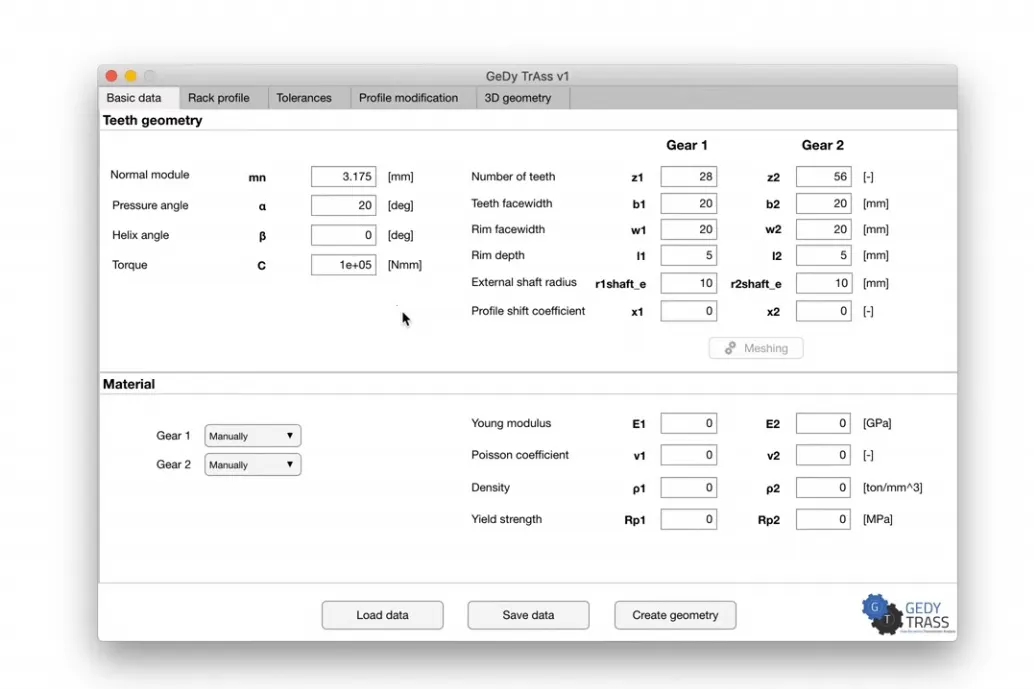
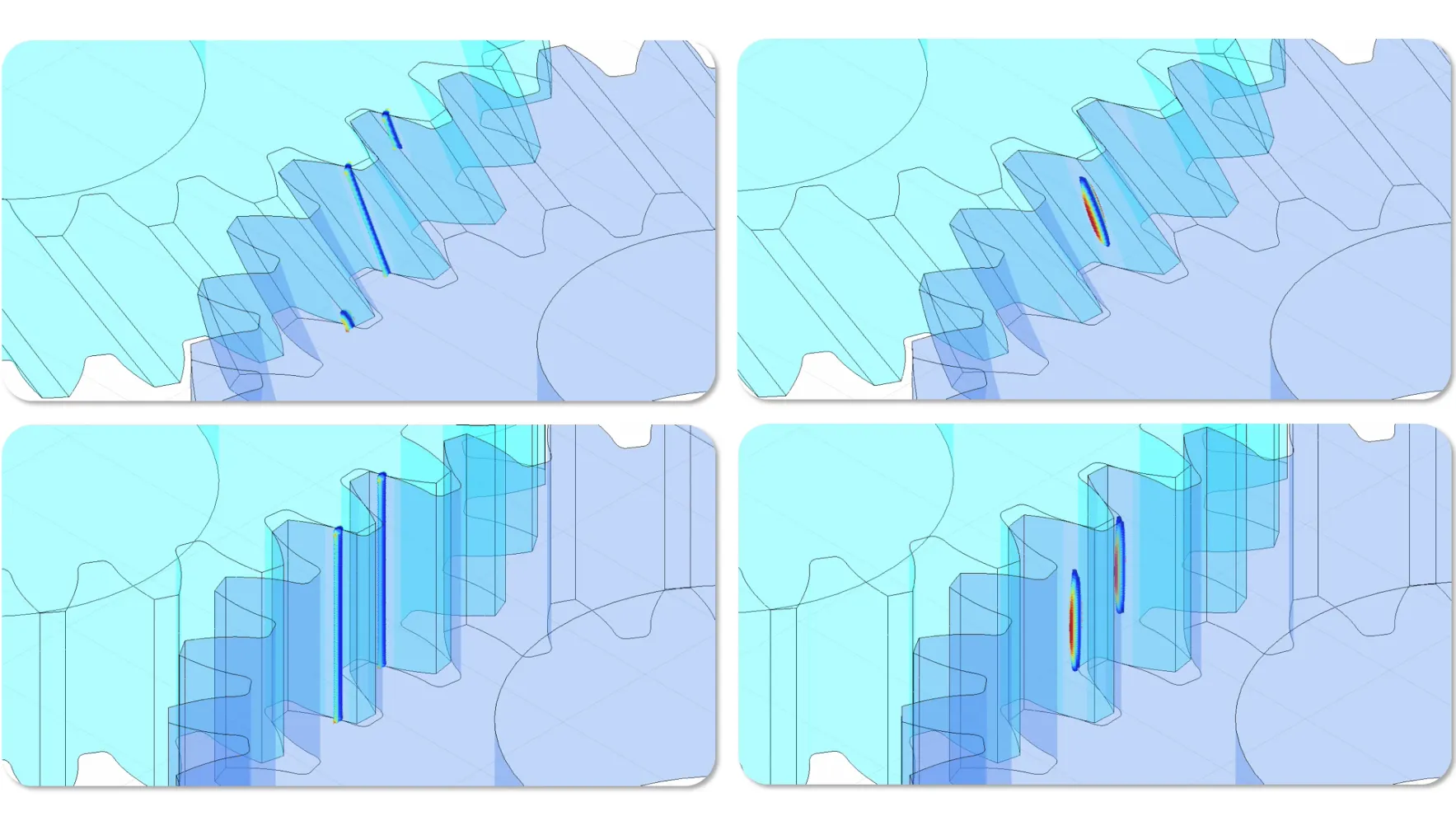
OptiMicro is fundamental when an optimization of the gears is needed: through a patented algorithm, it provides the quasi-static and dynamic behaviour of the system still ensuring high accuracy in comparison with other FEM results. For the quasi-static analyses, the algorithm is based on the load sharing analysis between the coupled teeth of the gears, that calculates the real distribution of pressure acting on the bodies in contact, the real contact ratio under load, the gears deformation and the static transmission error. Compared with FEM software, the computational time is drastically reduced, up to 80%. Computing time is not the only gain: the model is fully parametric and not tied to a specific geometry, so trying a variant means changing a few parameters, with no new CAD model and no new mesh. For the dynamic analyses, OptiMicro can rely on a simple 1D model and a powerful 3D model. The first one provides important information about the nonlinear dynamic transmission error and the dynamic overload of the system layout in a few minutes.
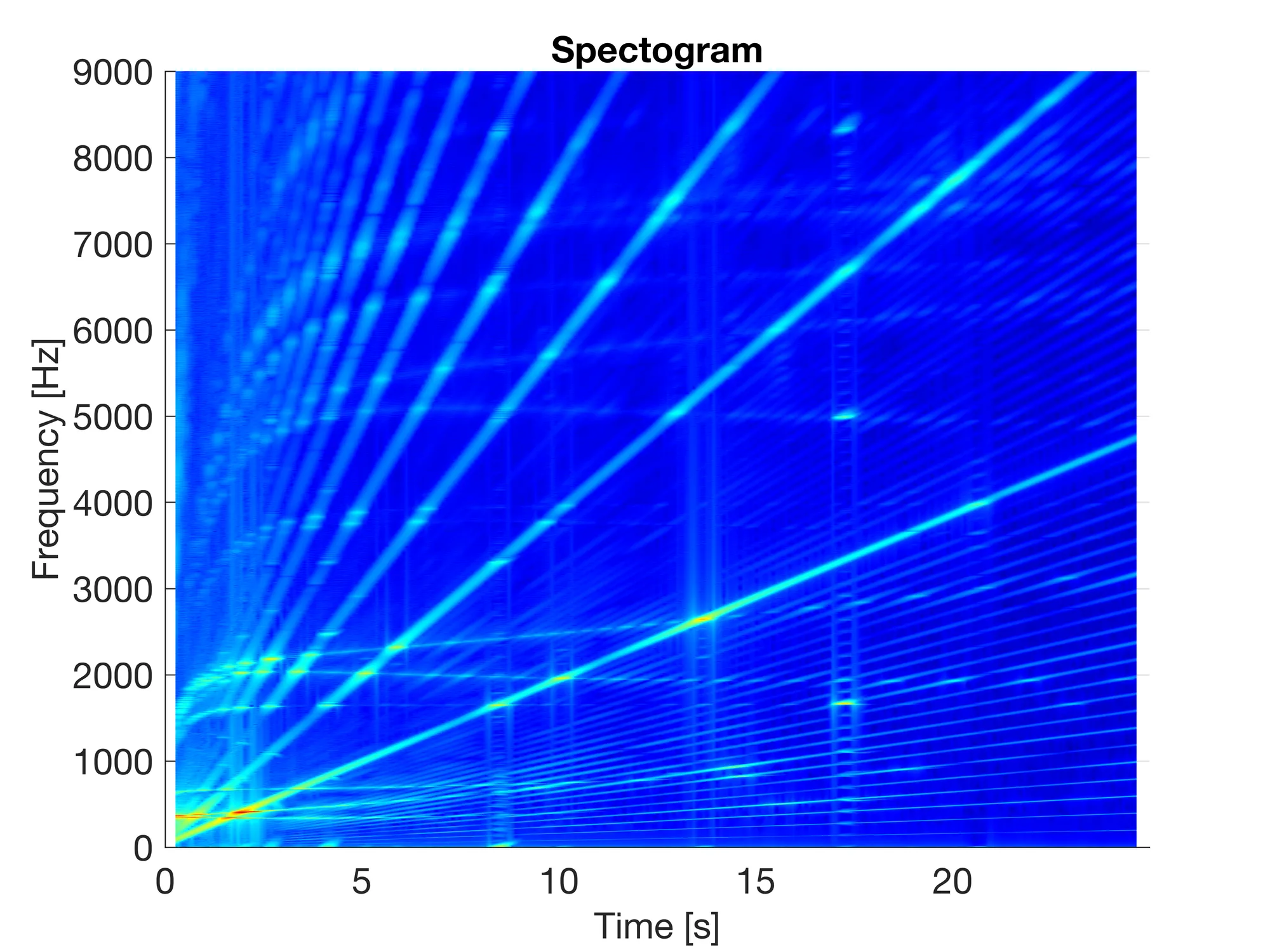
The 3D model enables dynamic analysis of flexible bodies in a few hours, whereas other dedicated commercial software require months of calculations, a computational time prohibitive for any company nowadays. The innovative nonlinear time domain approach allows to quickly and accurately determine the response amplitudes of the mode shapes excited by the time-varying mesh stiffness under variable loads and speed, an invaluable input for fatigue and NVH analyses. Furthermore, thanks to the multi-objective optimization, OptiMicro could be used for the design of gears made through Additive Manufacturing: it provides the best tooth profile and root fillet in terms of NVH and stress distribution for a specific application.
May the torque be with you